Study Anywhere: A Video Library You Can Take With You
By Ahmed Mahmood
If you learn from videos, such as lectures, tutorials, online courses or workout classes, you probably save them in many places.
Then you sit down to study and spend the first ten minutes finding the right link.
A better way is to build one shelf, organised by what you are learning, and take it with you.
Start with a collection for each subject or goal, and collections inside them if you need them: Spanish, then Grammar and Listening.
Add the videos you will really watch, links and files together, so everything for that subject is in one place.
Mark your place. When you stop, you should be able to come back and carry on exactly where you left off, instead of hunting for the timestamp.
Plan for no internet. Online videos need a connection, but video files on your own computer do not, so keep the lectures you must have on the trip as files.
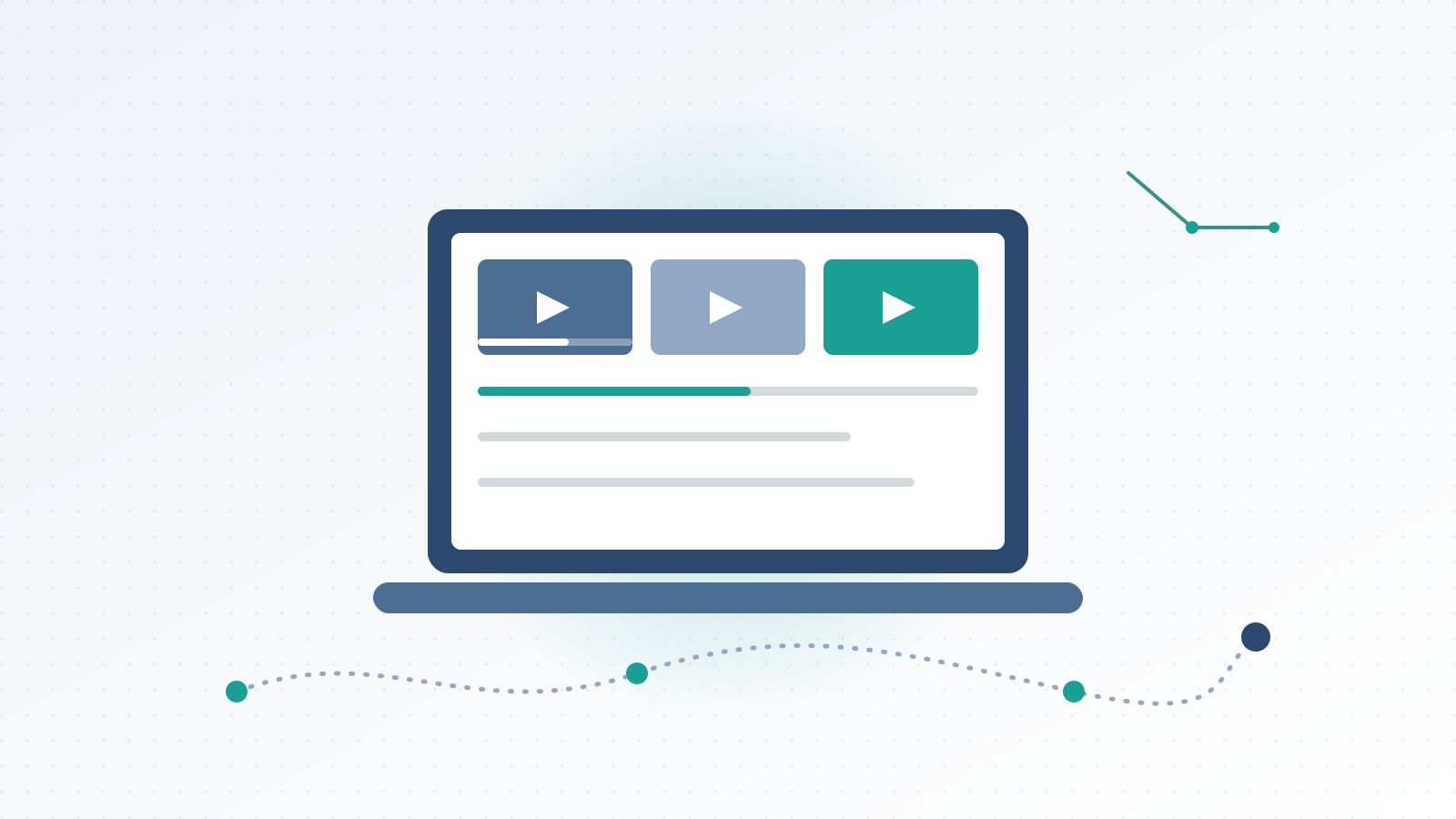
Your Watch Shelf is made for this. Collections can sit inside collections, the Home page shows what you started with a Continue button, and one search box finds titles, file names, channels and collection names.
Your library and your own video files work offline. Online videos from sites like YouTube, Vimeo and TikTok play in the app, and they need the internet.
Today it is for Mac and Windows computers, so your shelf goes wherever your laptop goes: the library, a café, a train, or a quiet corner of the gym. There is no phone or tablet version yet.
If you use the optional Google Drive sync, your library can also follow you between your own computers, such as a laptop and a desktop. It stays off until you connect it.
Your Watch Shelf is launching soon for Mac and Windows, with a free 14-day trial. You can see what it does on its page.
Pair it with a notebook for what you learn, and studying gets easier to keep up. PaperStyle: Digital Notebook is made by the same team.
Learn a little, every day, from one shelf. 🎧